TouchDesigner WorkShop, ≪Connecting Hand to Circle: Kinetic art via MediaPipe≫ - 2
TouchDesigner WorkShop, ≪Connecting Hand to Circle: Kinetic art via MediaPipe≫ - 3
TouchDesigner WorkShop, ≪Connecting Hand to Circle: Kinetic art via MediaPipe≫ - 4
TouchDesigner WorkShop, ≪Connecting Hand to Circle: Kinetic art via MediaPipe≫ - 5
TouchDesigner WorkShop, ≪Connecting Hand to Circle: Kinetic art via MediaPipe≫ - 6
TouchDesigner WorkShop, ≪Connecting Hand to Circle: Kinetic art via MediaPipe≫ - 7
TouchDesigner WorkShop, ≪Connecting Hand to Circle: Kinetic art via MediaPipe≫ - 8
TouchDesigner WorkShop, ≪Connecting Hand to Circle: Kinetic art via MediaPipe≫ - 9
TouchDesigner WorkShop, ≪Connecting Hand to Circle: Kinetic art via MediaPipe≫ - 10
TouchDesigner WorkShop, ≪Connecting Hand to Circle: Kinetic art via MediaPipe≫ - 11
TouchDesigner WorkShop, ≪Connecting Hand to Circle: Kinetic art via MediaPipe≫ - 12
TouchDesigner WorkShop, ≪Connecting Hand to Circle: Kinetic art via MediaPipe≫ - 13
TouchDesigner WorkShop, ≪Connecting Hand to Circle: Kinetic art via MediaPipe≫ - 14
TouchDesigner WorkShop, ≪Connecting Hand to Circle: Kinetic art via MediaPipe≫ - 15
Sound : On / Off
Project Name : TouchDesigner WorkShop, ≪Connecting Hand to Circle: Kinetic art via MediaPipe≫
Task Scope : Interactive Design
Category : Non-Commercial
Completion : Jan. 2025
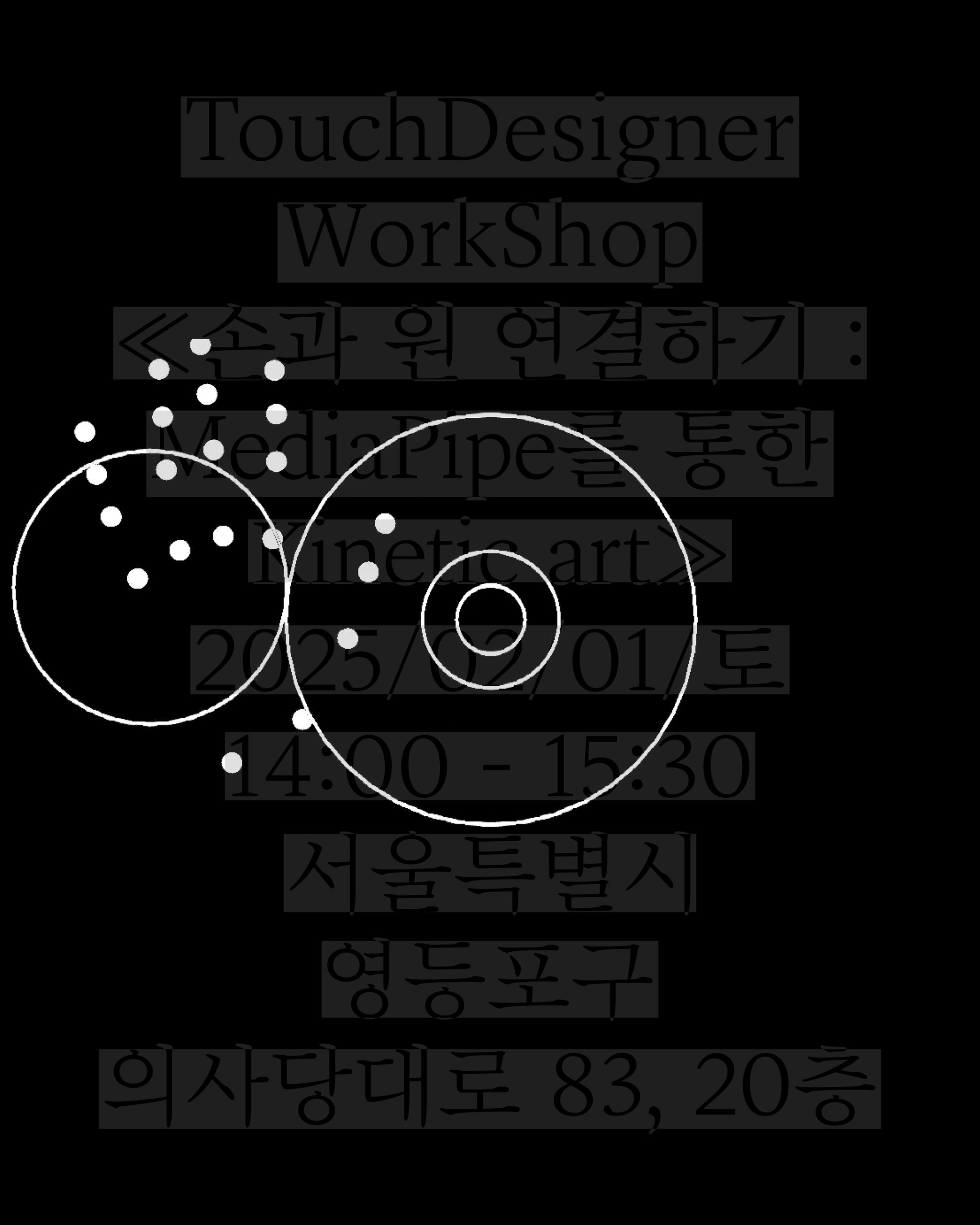
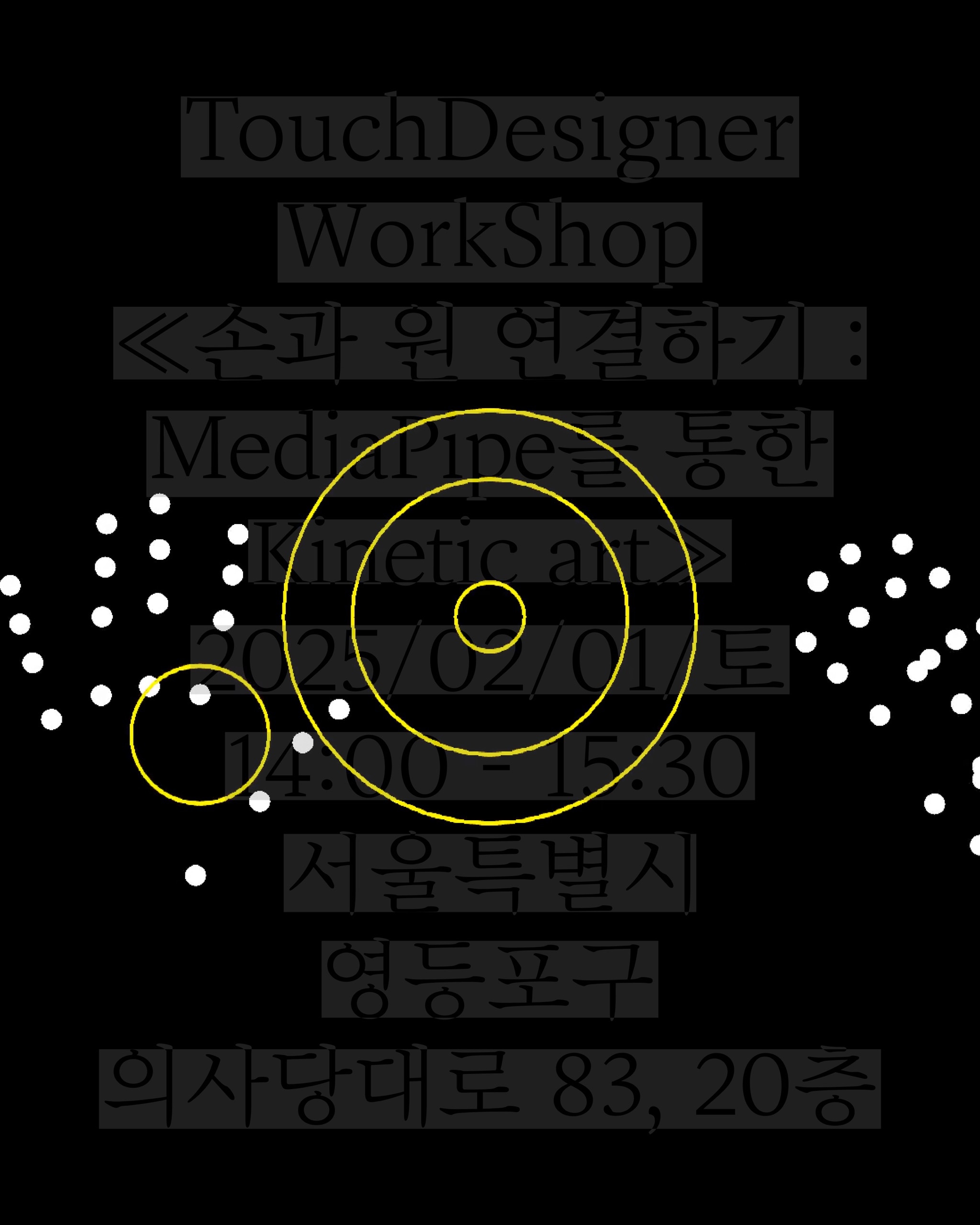
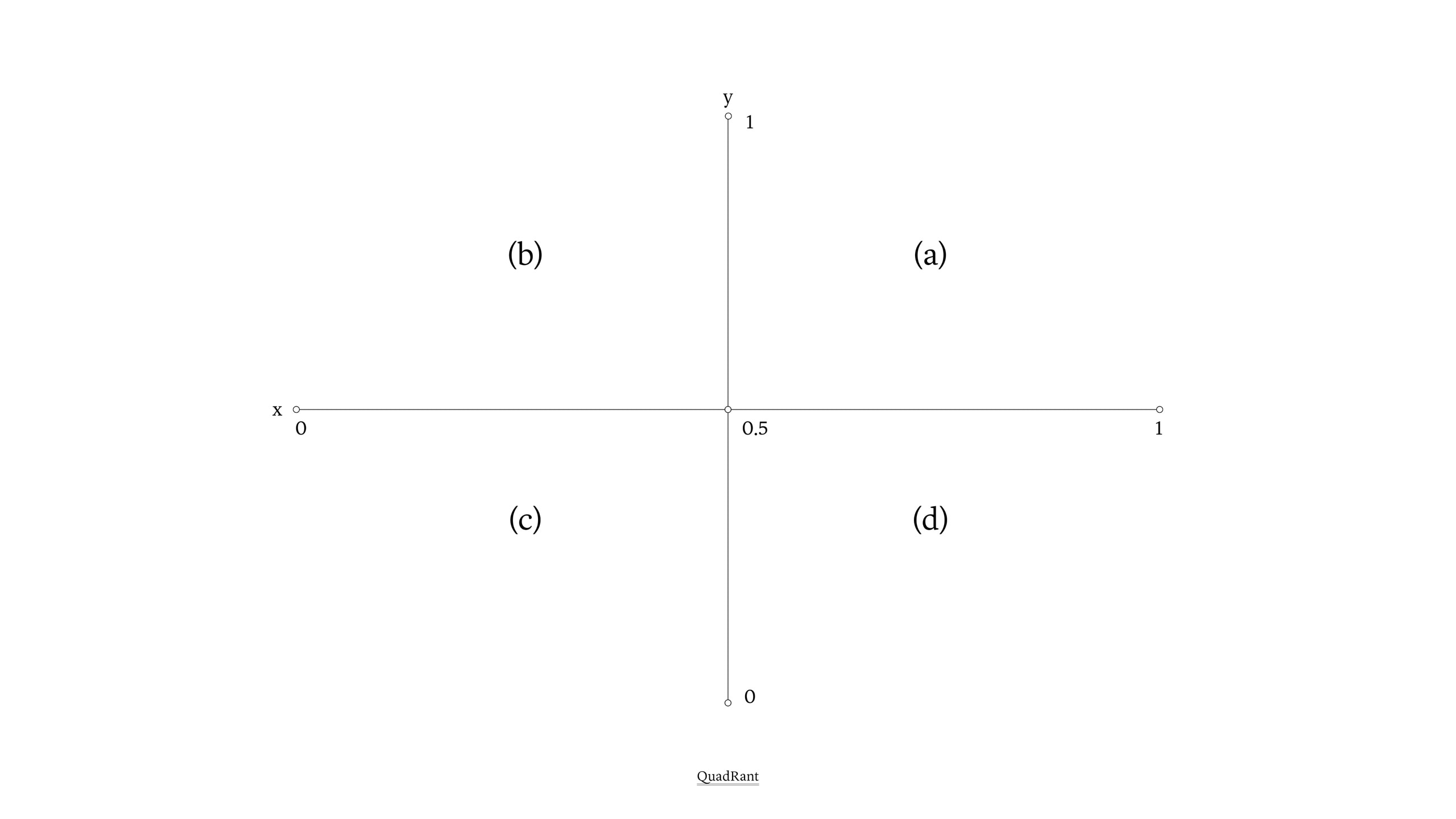
The workshop theme is ≪Connecting Hand to Circle: Kinetic art via MediaPipe≫. The example work proceeds like this: 1. Set areas on the screen. 2. Create 4 circles outputted when the hand reaches each area, such as zone 1, zone 2, zone 3, zone 4. 3. Establish a structure so the circle outputted per zone tracks the hand within that zone. 4. Through steps 1-3, movement of the circles can be controlled with the left hand (h1). Afterward, a structure is set where if the right hand (h2) is raised and rotated together, it modifies the color of the circles.